Livrare gratuită
pentru comenzi peste 399 Lei



| Garanție | 24 luni |
| Tip | Range Extender |
| Standard WI-FI | N300 |
| Viteză de transfer (Wi-Fi) | până la 300 Mbps |
| Port-uri LAN | 0 |
| Port USB | Nu |
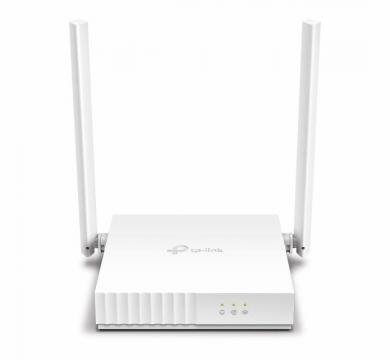
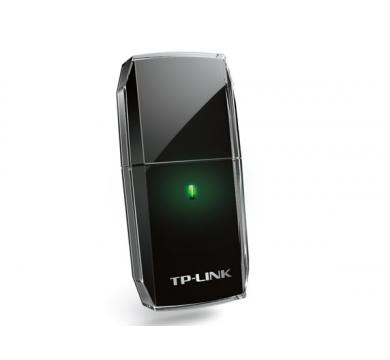
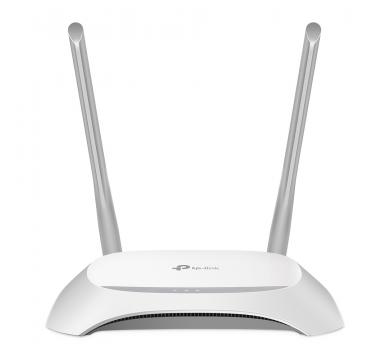
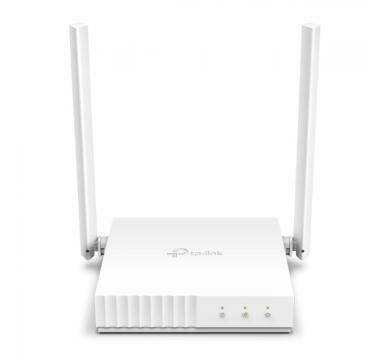
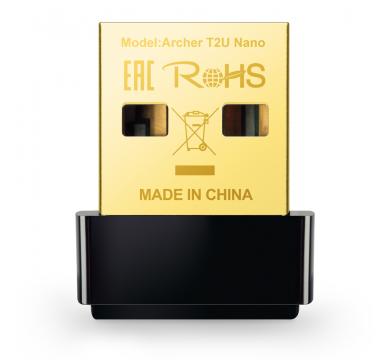
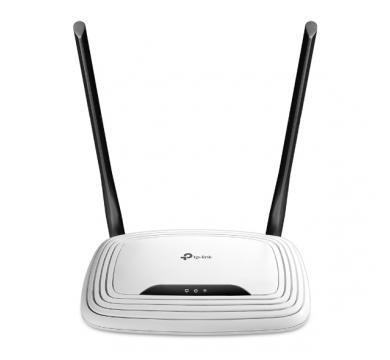
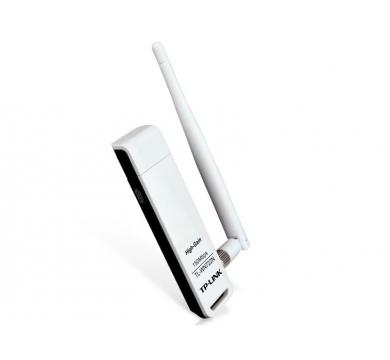
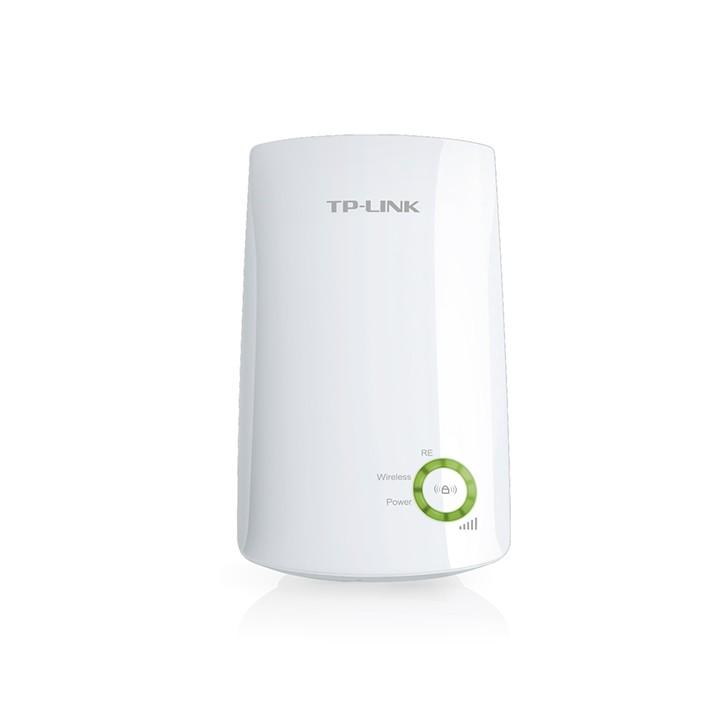
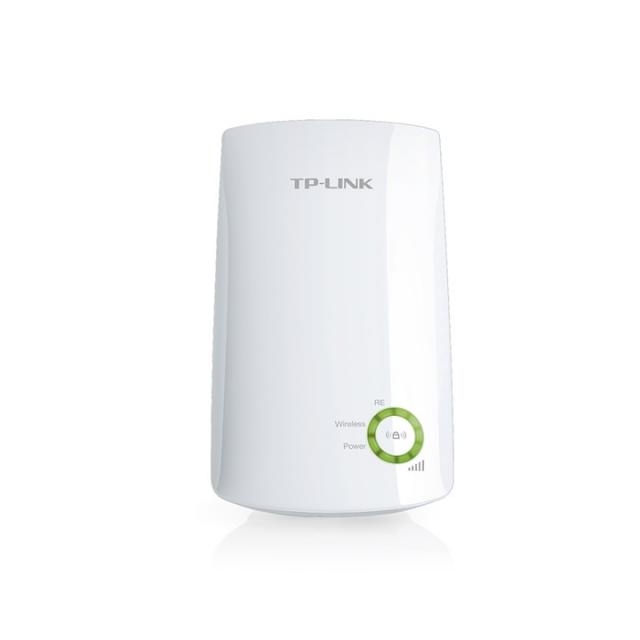
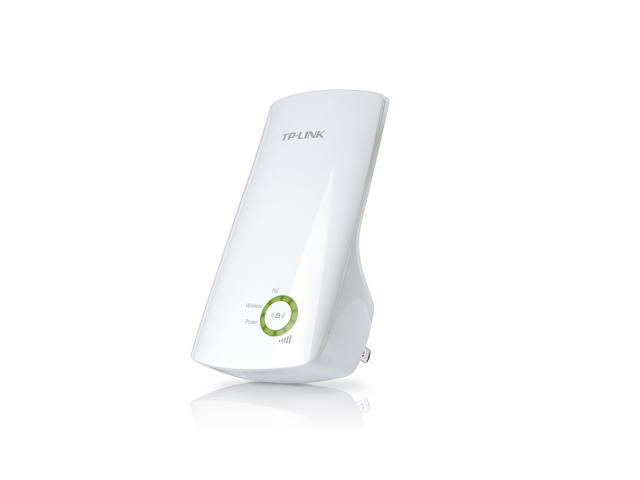
Extenderul Wi-Fi TP-Link TL-WA854RE este o solutie practica pentru extinderea acoperirii retelei wireless in locuinte sau birouri. Cu viteze de pana la 300 Mbps, instalare rapida si indicator inteligent de semnal, acesta elimina zonele fara acoperire si ofera o conexiune stabila pentru dispozitivele conectate.
300Mbps Wi-Fi
Range Extender
TL-WA854RE
Tired of Wi-Fi "dead zone"? TP-Link's range extender connects to your router wirelessly, strengthening and expanding its signal into areas it can’t on its own.
The device also reduces signal interference to ensure reliable Wi-Fi coverage throughout your home or office.
Press the WPS button on your router and the Range Extender button on your 854RE within 2 minutes to easily connect to the network. Once connected with an existing router, you can simply unplug and plug the TL-WA854RE back in a location for the best signal quality and coverage in your house, without needing to configure the extender again.
5 signal lights show the strength of signal that TL-WA854RE receives from the existing router, which can help to find the right location to place the range extender.
It’s recommended that you choose a location where at least 3 signal light green in order to guarantee a good performance.
| Interface | - |
| Button | WPS Button, Reset Button |
| Input Power | 100-240V~50/60Hz |
| Max. Power Consumption | 3.3W |
| Dimensions ( W x D x H ) | 65.8 × 75.2 × 110mm |
| Antenna | 2 Internal Antennas |
| Wireless Standards | IEEE 802.11n, IEEE 802.11g, IEEE 802.11b |
| Frequency | 2.4GHz |
| Signal Rate | 11n: Up to 300Mbps (dynamic) 11g: Up to 54Mbps (dynamic) 11b: Up to 11Mbps (dynamic) |
| Working Modes | Range Extender |
| Reception Sensitivity | 2.4GHz: 11g 54Mbps: -80dBm, 11n HT20 MCS7: -79dBm 11n HT40 MCS7: -76dBm |
| Wireless Functions | Enable/Disable Wireless Radio Access Control LED Control Power Schedule Wi-Fi Coverage |
| Wireless Security | 64/128-bit WEP, WPA/WPA2-PSK encryptions |
| Transmission Power | CE: <15dBm |
| Network Services Enabled by Default |
Web Server
|
| Certification | CE, RoHS |
| Package Content | 300Mbps Wi-Fi Range Extender TL-WA854RE Quick Installation Guide |
| System Requirements | Microsoft Windows 98SE, NT, 2000, XP, Vista or Windows 7, 8, 8.1, 10, MAC OS, NetWare, UNIX or Linux Internet Explorer 11, Firefox 12.0, Chrome 20.0, Safari 4.0, or other Java-enabled browser |
| Environment | Operating Temperature: 0℃~40℃ (32℉ ~104℉) Storage Temperature: -40℃~70℃ (-40℉ ~158℉) Operating Humidity: 10%~90% non-condensing Storage Humidity: 5%~90% non-condensing |