Livrare gratuită
pentru comenzi peste 399 Lei

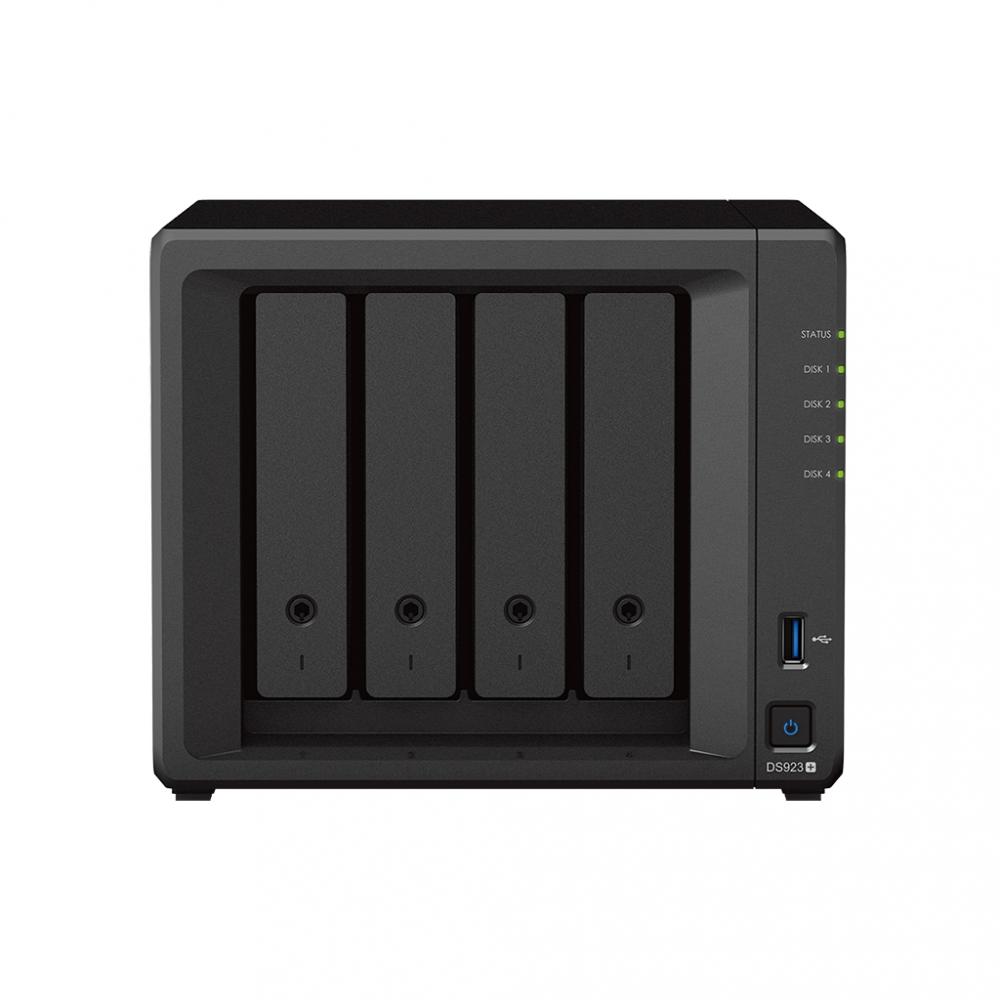
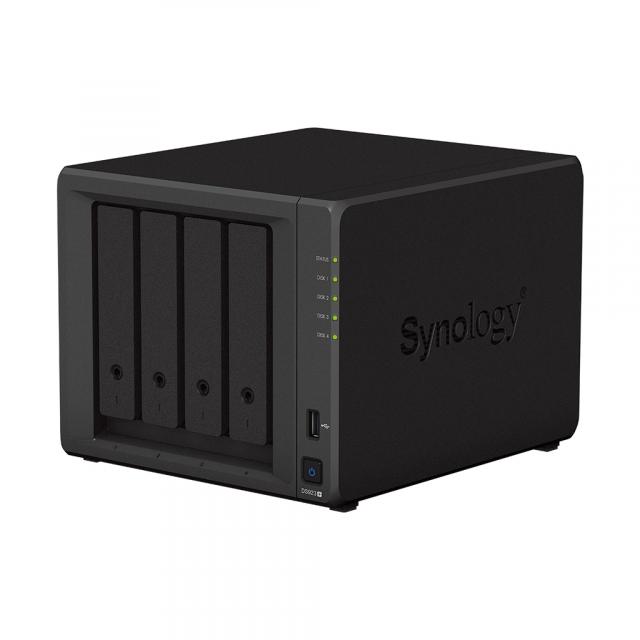
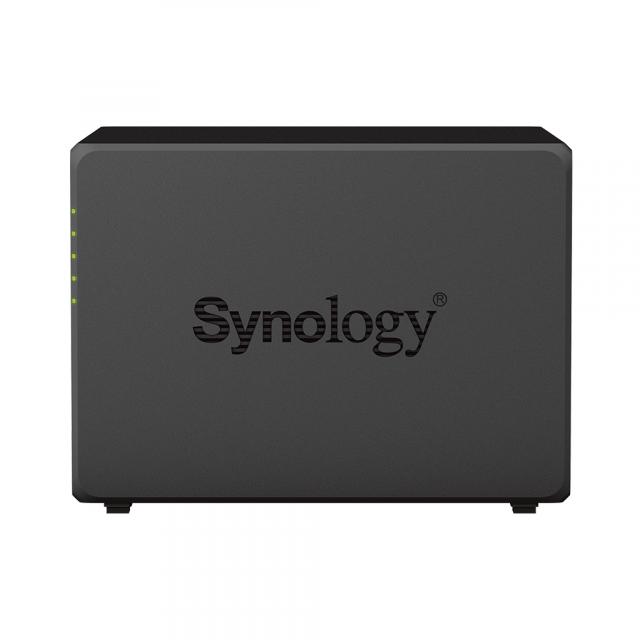
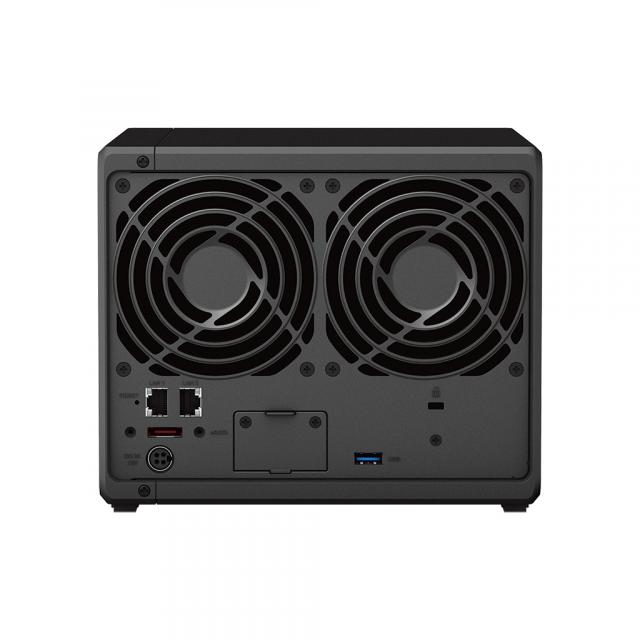
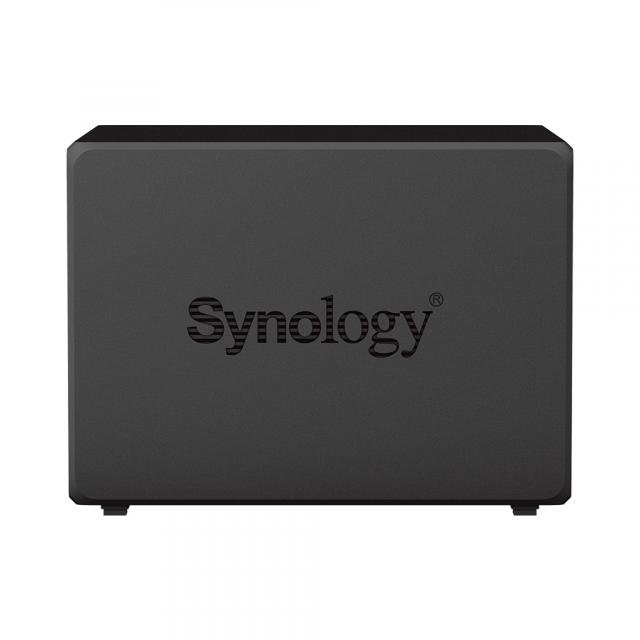
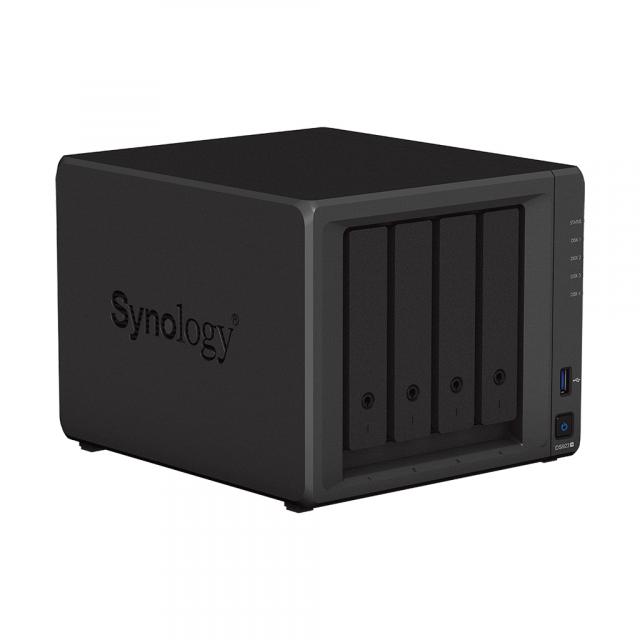


| Garanție | 24 luni |
| Număr disk-uri | 4 buc. |
| Capacitate maximă (total) | până la 54 TB |
| Interfață | SATA III, M.2 PCIe |
| Altele | 2x USB 3.2 Gen1, 1x eSATA, 2x 1GbE LAN, 2x M.2 NVMe SSD |
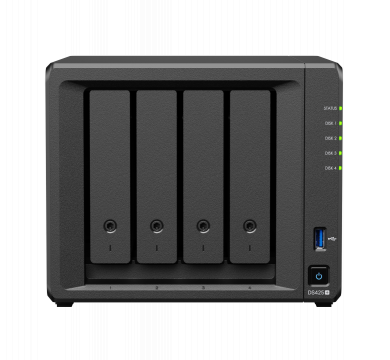
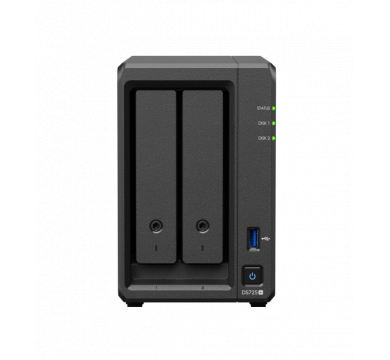
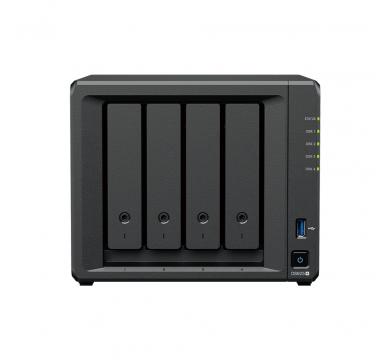
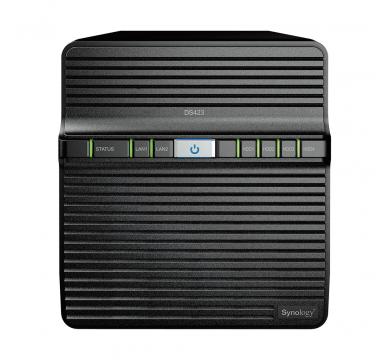
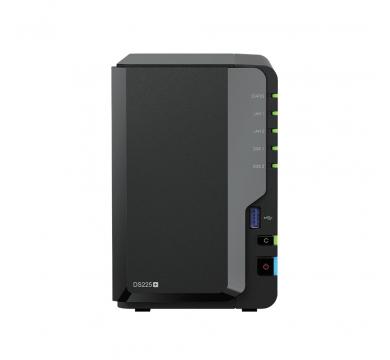
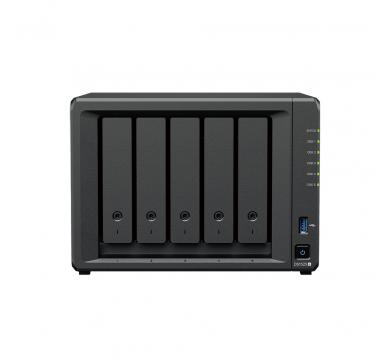
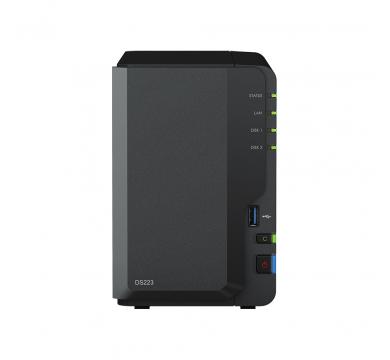
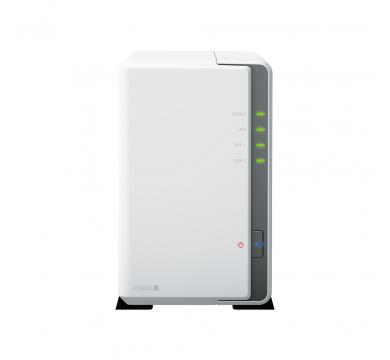
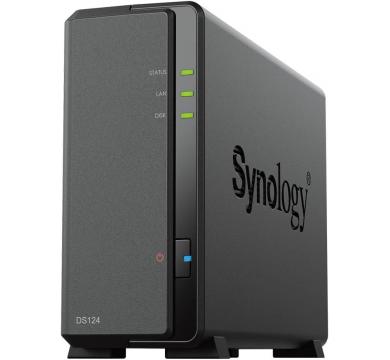
Procesor: AMD Ryzen R1600
Memorie interna: 4 GB DDR4
Licenta pentru camere IP: 40 (2 licente gratuite incluse)
Numar de hard discuri: 3.5" SATA HDD/ 2.5" SATA SSD/ M.2 2280 NVMe SSD
Capacitate maxima HDD: 50TB
Operatiuni RAID: Synology Hybrid RAID, Basic, JBOD, RAID 0, RAID 1, RAID 5, RAID 6, RAID 10
Porturi: 2 x USB3.2, 2 x RJ-45, 1 x eSATA
Retea: 2 x 10/100/1000 Mbps (RJ-45)
Dimensiuni: 166 x 199 x 223 mm
Hard discuri incluse: Nu
Racire: 2 x 92 x 92 mm (ventilatoare)
Certificate: FCC, CE, BSMI, VCCI, RCM, UKCA, EAC, CCC, KC
Protocoale de retea: SMB1 (CIFS), SMB2, SMB3, NFSv3, NFSv4, NFSv4.1, NFS Kerberized sessions, iSCSI, HTTP, HTTPs, FTP, SNMP, LDAP, CalDAV
Alimentare: adaptor 100W 100-240V
Partajare de fisiere: Utilizatori (max.): 2048
DiskStation DS923+Flexible storage platform for small businesses and home offices |
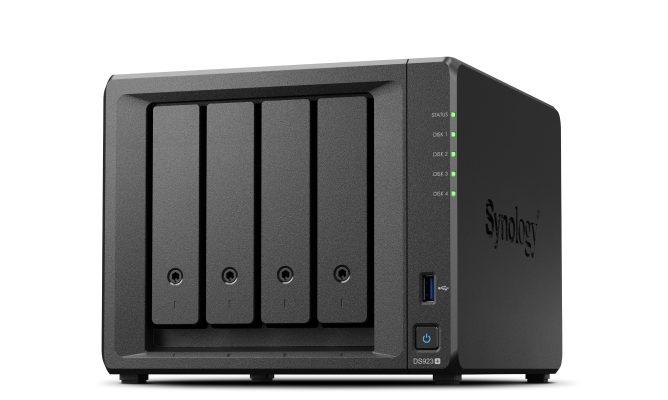 |
Versatile smart storage that helps you consolidate and store your growing digital data.
 |
 |
 |
Stunningly compactPowerful functionality in a tiny package, with room for 10GbE and dual NVMe drives. |
Consolidate and shareFlexibly store and organize 50 TB of data, then share with anyone. |
Keep your data safeHardware and software engineered to protect your data — trusted by millions. |
DS923+ can handle more demanding application workloads and a greater number of concurrent users compared to prior-generation systems. Experience faster file indexing in Synology Drive, photo organization in Photos, and concurrent file transfers.
|
Synology Drive 24%
faster file indexing |
Synology Photos 25%
faster photo indexing |
Multiple file transfers
32%
faster random write |
 |
The performance you needReduce transfer times with DS923+, designed to accelerate your workloads. Easily add faster networking and NVMe drives to further boost performance. |
|
|
Up to 592/562 MB/s read/write |
Up to 10GbE networking |
|
|
2 x M.2 NVMe cache & storage pool |
||
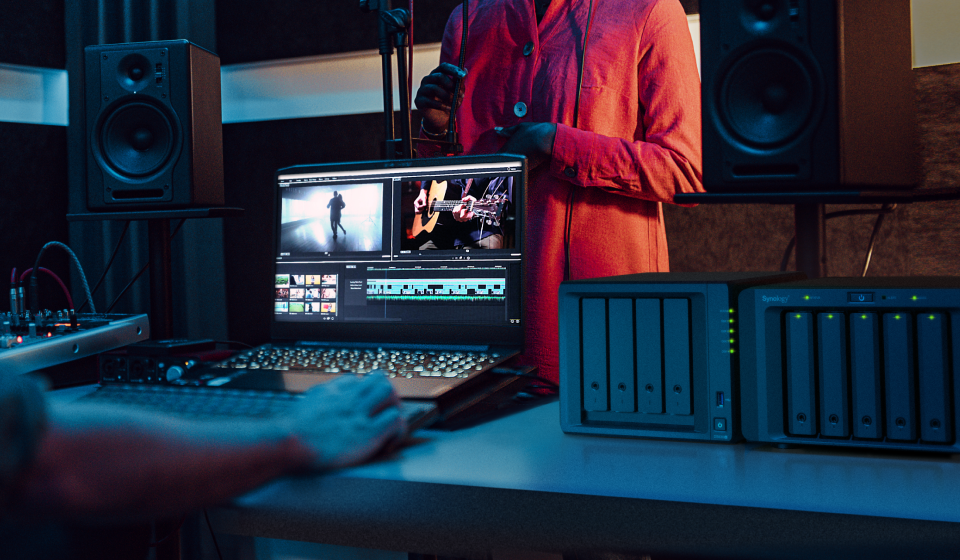
Storage that fits your needsIs your data scattered across external drives and public cloud accounts? With DS923+, you can consolidate your data with over 50 TB across 4 bays.5 Need more space? Expand with DX517 for over 120 TB of storage. |
 |
|
4 bays------------9 bays 54 TB
|
Manage all your documents, photos, and other files, back up applications and devices, and protect your physical assets with professional video surveillance.
|
|
|
|
File Server |
Multi-Layered Backup |
Smart Surveillance |
Access files from all your devices and protect them with smart versioning. Manage, share, and sync your data across locations.
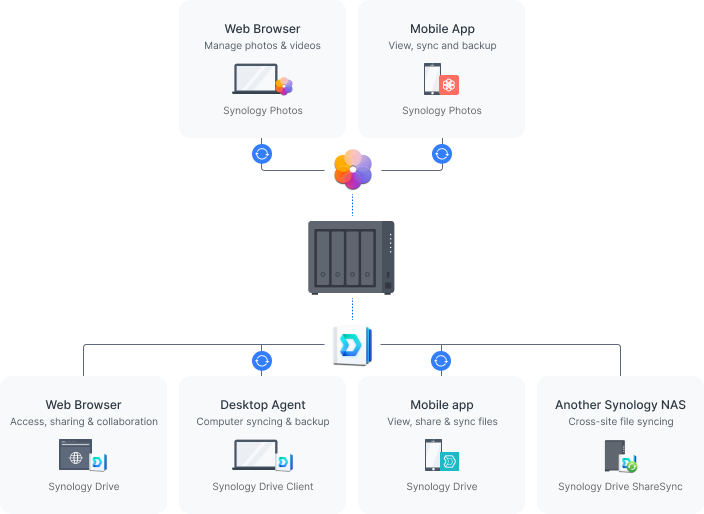
Effortlessly deploy your own personal cloud with Synology’s private cloud solution. Simplify file access and consolidate your data management to benefit from easier file sharing and collaboration. Learn more
Efficiently back up and organize photos and videos with management tools for novice and professional users alike. Automatically organize your content into albums and create secure share links to share files with family, friends, or clients. Learn more
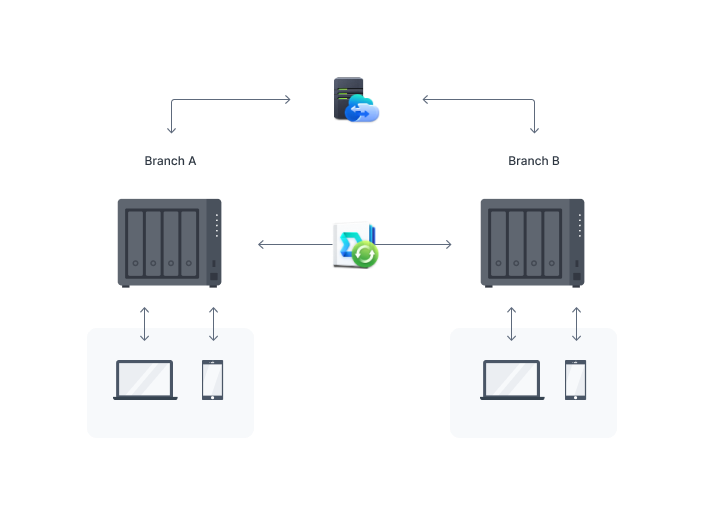
Site-to-site file syncing allows collaborators to sync individual files or folders between Synology devices, whether at home, another office, or across the world. Combine convenient access with 100% data ownership.
Reduce your on-site storage footprint and benefit from data center network speeds with hybrid cloud technology. Set up Hybrid Share Folders to efficiently store cold data in the cloud, while keeping frequently accessed files cached locally on your DS923+ and accessible at LAN speeds. Learn more
Back up files, folders, physical devices, VMs, and SaaS applications with free solutions, and protect your NAS with built-in technologies.
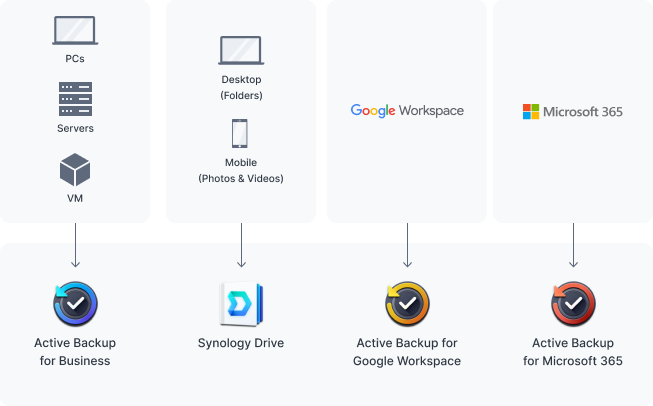
Consolidate and automate backup tasks for PCs, file servers, VMs, SaaS applications, and more with Active Backup Suite. Administer device backups remotely through a centralized portal and quickly restore specific files or entire devices to keep your business up and running. Take advantage of built-in remote backup solutions designed to protect your data with seamless 3-2-1 backup configurations. Learn more
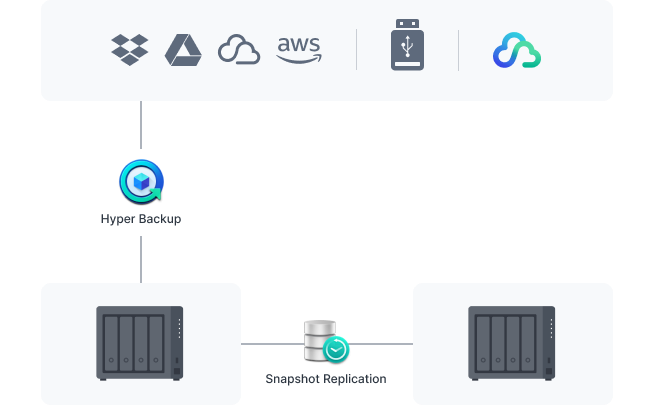
Protect all data, applications, and configurations on your Synology systems with comprehensive scheduled backups to local and remote servers, external drives, or cloud storage destinations including Synology C2 Storage. Learn more
Configure efficient point-in-time snapshots of shared folders and LUNs at intervals as short as 5 minutes. Allow users to easily restore previous versions of files unassisted, quickly recover VMs, and copy snapshots to another server to benefit from rapid storage failover. Learn more
Transform your Synology device into a full-featured video management system for a wide range of compatible IP cameras.
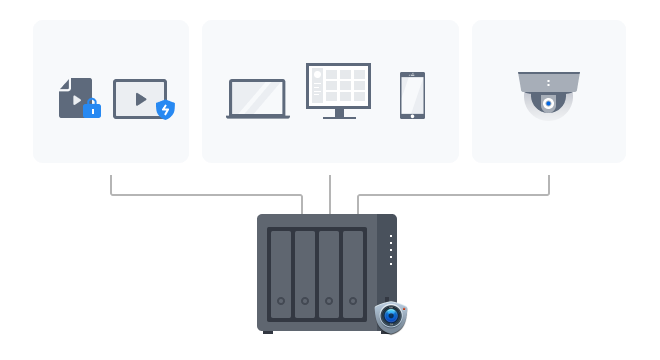
Protecting your business has never been easier with centralized video management, support for over 8,300 IP camera models, and remote monitoring and playback of footage. Synology’s surveillance management system provides all the tools you need for live monitoring, alerts, investigation, management, and backup. Learn more
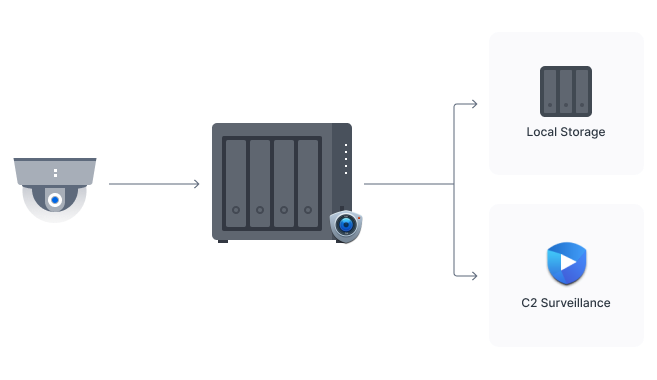
C2 Surveillance allows you to keep access to surveillance footage if your recording server is disabled by recording to your local server as well as C2 cloud. End-to-end encryption protects streams against unauthorized access while low latency recording lets you review the crucial last few seconds before the recording server was lost.
Take advantage of a host of native productivity, management, and security solutions available in the web-based Synology DSM operating system.
Central Management SystemConveniently manage your fleet of Synology NAS from a centralized console. |
SecurityShield your Synology NAS from the most sophisticated threats with industry-leading security solutions. |
Synology High AvailabilitySeamless transition between clustered servers in the event of a server failure to minimize the impact on applications. |
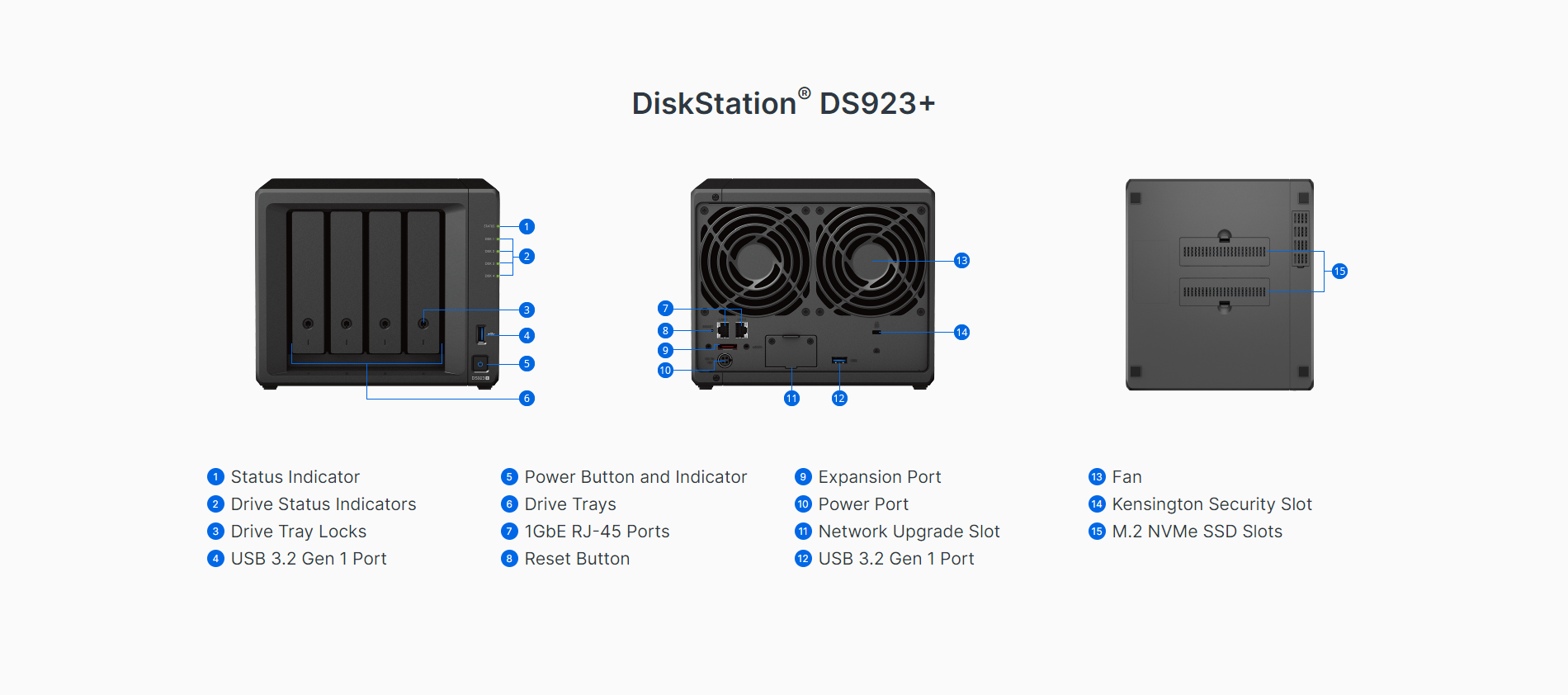
| CPU Model | AMD Ryzen R1600 |
| CPU Quantity | 1 |
| CPU Architecture | 64-bit |
| CPU Frequency | 2-core 2.6 (base) / 3.1 (turbo) GHz |
| Hardware Encryption Engine (AES-NI) |  |
| System Memory | 4 GB DDR4 ECC SODIMM |
| Memory Module Pre-installed | 4 GB (4 GB x 1) |
| Total Memory Slots | 2 |
| Maximum Memory Capacity | 32 GB (16 GB x 2) |
| Notes |
|
| Drive Bays | 4 |
| Maximum Drive Bays with Expansion Unit | 9 (DX517 x 1) |
| M.2 Drive Slots | 2 (NVMe) |
| Compatible Drive Type* (See all supported drives) |
|
| Hot Swappable Drive* | |
| Notes |
|
| RJ-45 1GbE LAN Port | 2 (with Link Aggregation / Failover support) |
| USB 3.2 Gen 1 Port* | 2 |
| eSATA Port | 1 |
| Notes |
|
| PCIe Expansion | 1 x Gen3 x2 network upgrade slot |
| Internal Drives |
|
| External Drives |
|
| Size (Height x Width x Depth) | 166 mm x 199 mm x 223 mm |
| Weight | 2.24 kg |
| System Fan | 92 mm x 92 mm x 2 pcs |
| Fan Speed Mode |
|
| Brightness Adjustable Front LED Indicators | |
| Power Recovery | |
| Noise Level | 22.90 dB(A) |
| Scheduled Power On / Off | |
| Wake on LAN / WAN | |
| Power Supply Unit / Adapter | 100 W |
| AC Input Power Voltage | 100V to 240V AC |
| Power Frequency | 50/60 Hz, Single Phase |
| Power Consumption | 35.51 W (Access) 11.52 W (HDD Hibernation) |
| British Thermal Unit | 121.09 BTU/hr (Access) 39.28 BTU/hr (HDD Hibernation) |
| Notes |
|
| Operating Temperature | 0°C to 40°C (32°F to 104°F) |
| Storage Temperature | -20°C to 60°C (-5°F to 140°F) |
| Relative Humidity | 5% to 95% RH |
| Certification |
|
| Warranty |
3-year hardware warranty, extendable to 5 years with Extended Warranty Plus
|
| Environment | RoHS Compliant |
| Packaging Content |
|
| Maximum Single Volume Size* | 108 TB |
| Maximum Internal Volume Number | 64 |
| M.2 SSD Storage Pool Support* | |
| SSD Read / Write Cache | |
| SSD TRIM | |
| Supported RAID Type |
|
| RAID Migration |
|
| Volume Expansion with Larger HDDs |
|
| Volume Expansion by Adding a HDD |
|
| Global Hot Spare Supported RAID Type |
|
| Notes |
|
| File Protocol | SMB/AFP/NFS/FTP/WebDAV |
| Maximum Concurrent SMB/AFP/FTP Connections | 1,000 |
| Maximum Concurrent SMB/AFP/FTP Connections (with RAM expansion) | 2,000 |
| Windows Access Control List (ACL) Integration | |
| NFS Kerberos Authentication | |
| Notes |
|
| Maximum Local User Accounts | 2,048 |
| Maximum Local Groups | 256 |
| Maximum Shared Folder | 512 |
| Maximum Shared Folder Sync Tasks | 16 |
| Hybrid Share Folder Number | 10 |
| Folder and Package Backup | |
| Entire System Backup | |
| Notes | Full-system backup requires DSM 7.2 or later. |
| Synology High Availability | |
| Syslog Events per Second | 800 |
| VMware ESXi 6.5 and VAAI | |
| Windows Server 2022 | |
| Citrix Ready | |
| OpenStack | |
| Networking Protocols | SMB1 (CIFS), SMB2, SMB3, NFSv3, NFSv4, NFSv4.1, NFS Kerberized sessions, iSCSI, HTTP, HTTPs, FTP, SNMP, LDAP, CalDAV |
| Supported Browsers |
|
| Supported Language | English, Deutsch, Français, Italiano, Español, Dansk, Norsk, Svenska, Nederlands, Русский, Polski, Magyar, Português do Brasil, Português Europeu, Türkçe, Český, ภาษาไทย, 日本語, 한국어, 繁體中文, 简体中文 |
| Notes | For an updated list of supported browser versions, check the DSM Technical Specifications. |
| Maximum Number of Concurrent Users | 100 |
| Notes |
|
| Document Viewer | |
| Maximum Concurrent Download Tasks | 80 |
| Maximum iSCSI Target Number | 128 |
| Maximum LUN | 256 |
| LUN Clone/Snapshot, Windows ODX | |
| Free Email Accounts | 5 |
| Maximum Number of Concurrent Users | 100 |
| Maximum Server Performance | 1,224,000 emails per day, approx. 37GB |
| Notes |
|
| DLNA Compliance | |
| Facial Recognition | |
| Object Recognition | |
| Maximum Snapshots per Shared Folder | 1,024 |
| Maximum of System Snapshots | 65,536 |
| Maximum IP cam | 40 (including 2 Free License) |
| Total FPS (H.264) | 1200 FPS @ 720p (1280x720) 1050 FPS @ 1080p (1920x1080) 600 FPS @ 3M (2048x1536) 360 FPS @ 5M (2591x1944) 200 FPS @ 4K (3840x2160) |
| Total FPS (H.265) | 1200 FPS @ 720p (1280x720) 1200 FPS @ 1080p (1920x1080) 1000 FPS @ 3M (2048x1536) 600 FPS @ 5M (2591x1944) 300 FPS @ 4K (3840x2160) |
| Notes |
|
| Recommended Number of Concurrent Sync Clients | 350 (the number of connections that can be maintained when the recommended number of hosted files was reached) |
| Recommended Number of Hosted Files | 5,000,000 (applies to files indexed or hosted by Synology Drive. For file access through other standard protocols, refer to the File Services section above) |
| Notes |
|
| Maximum Users | 1,200 |
| Notes |
|
| Video Station | |
| Recommended Virtual Machine Instances | 4 |
| Recommended Virtual DSM Number | 4 |
| Notes | The specifications vary depending on system configuration and memory size. |
| Maximum Connections | 40 |