Livrare gratuită
pentru comenzi peste 399 Lei



| Garanție | 24 luni |
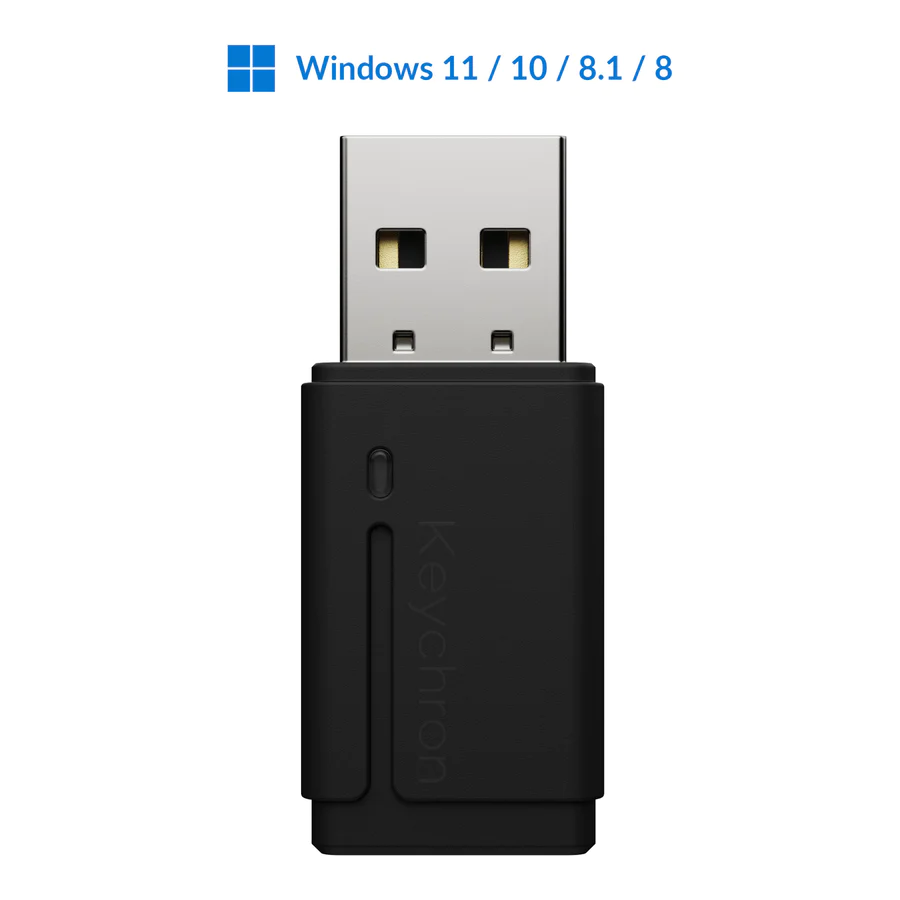
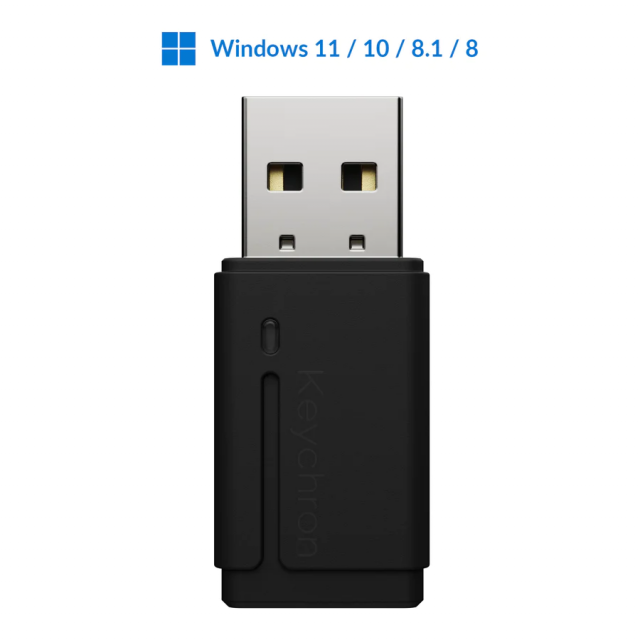
| Tip | Adaptor Bluetooth |
| Bluetooth | v5.0 |
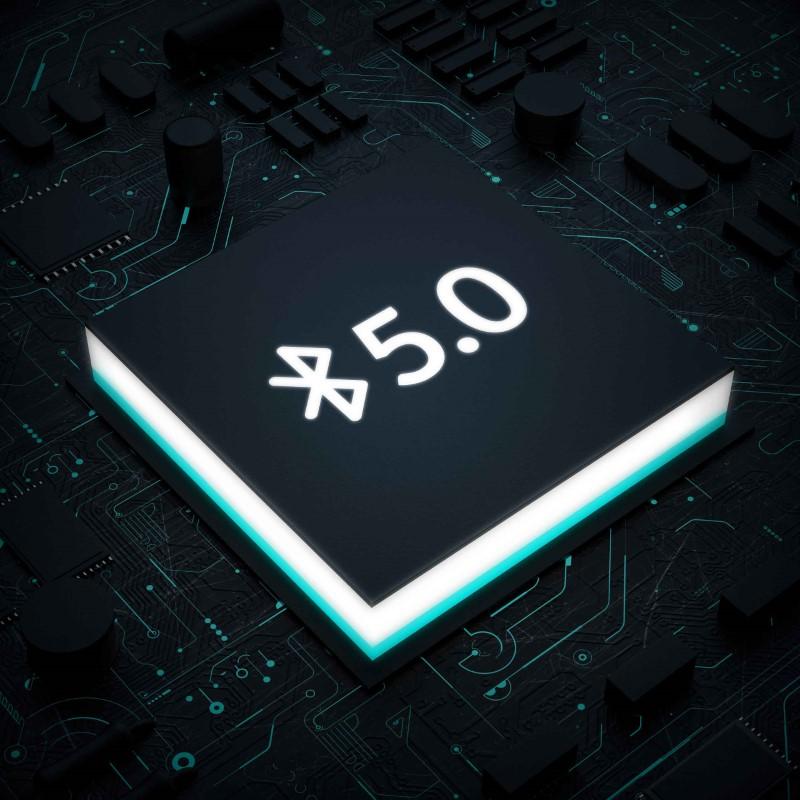
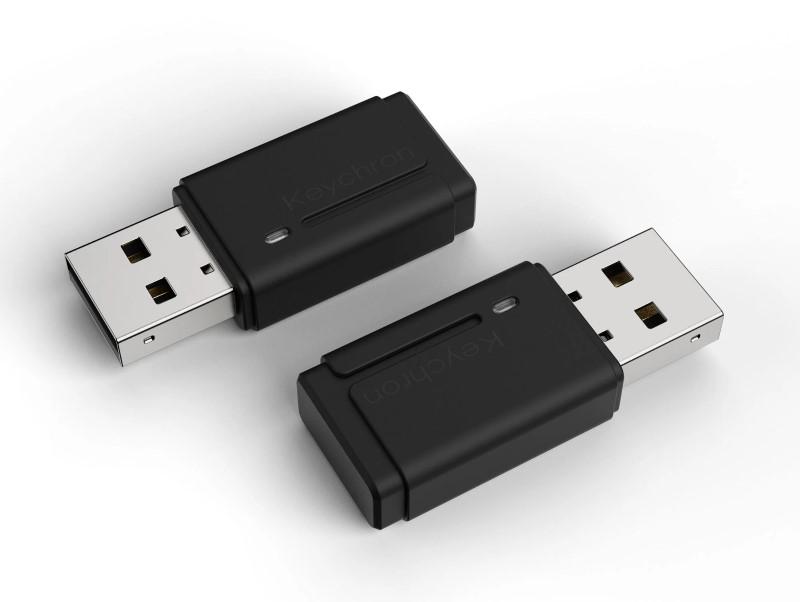
Echipat cu cipul Bluetooth 5.0, adaptorul Bluetooth are o eficienta de transmisie rapida si stabila. Scopul sau este de a transforma computerul dvs.
Windows fara Bluetooth (Win 8 si versiunile ulterioare) intr-unul cu Bluetooth si compatibil cu dispozitivele fara fir. Este compatibil si cu dispozitive
wireless cu o versiune Bluetooth mai veche.
Equipped with the Bluetooth 5.0 chip, the Bluetooth adapter acquires a fast and
stable transmission efficiency. It aims to turn your non-Bluetooth Windows computer
(Win 8 and later) into a Bluetooth-enabled and backward-compatible with wireless
devices.
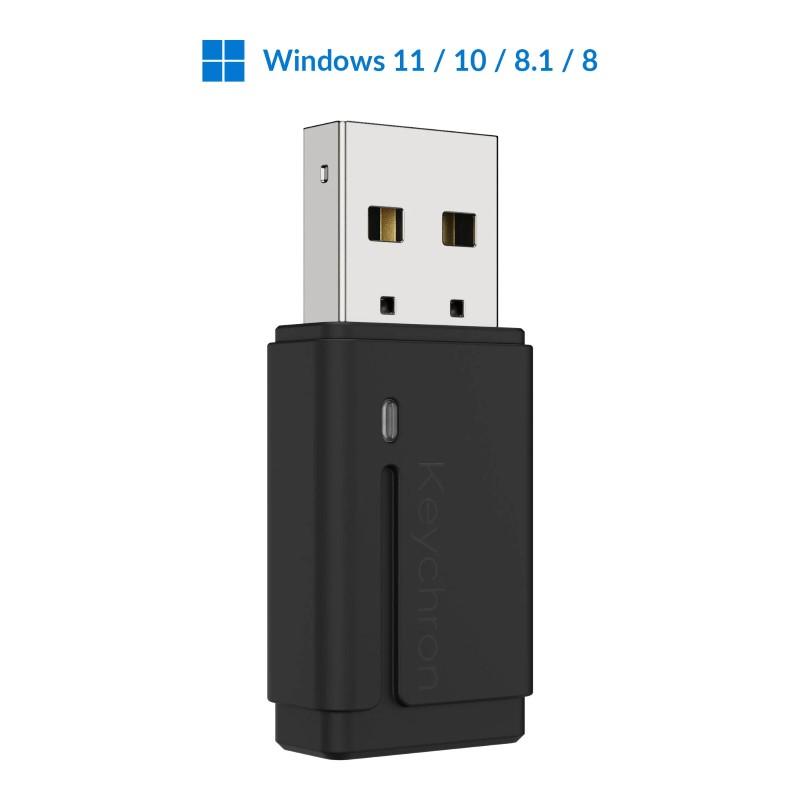
Note: Incompatible with macOS, Linux, or older Windows versions
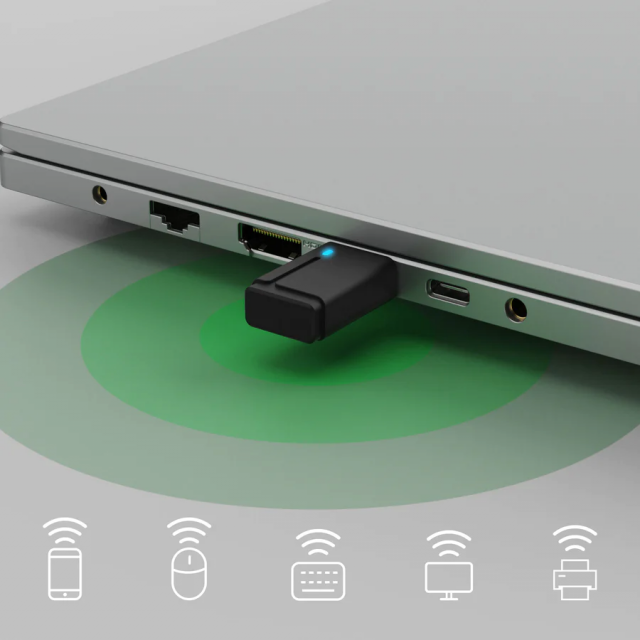
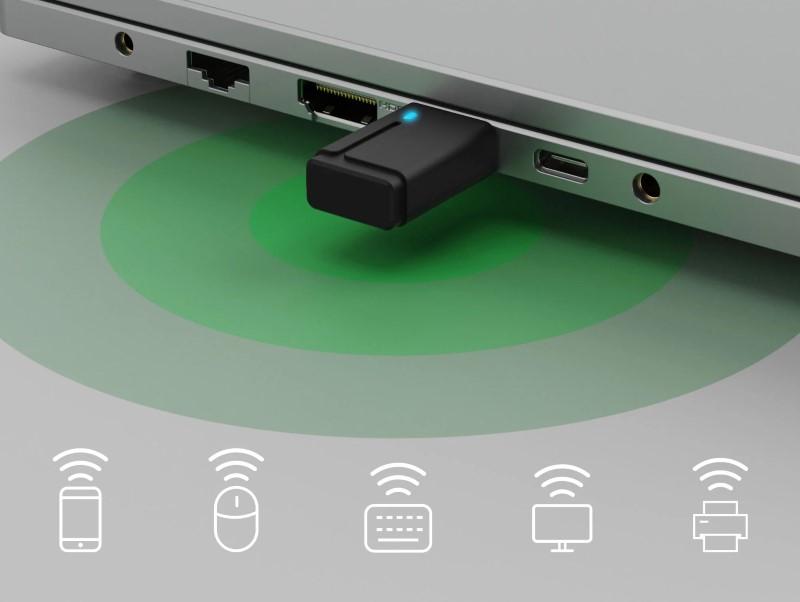
Whether it is a keyboard, mouse, headset, speakers, or any other wireless device, this
Bluetooth adapter supports audio and data transmission. It can connect your PC to
three wireless devices at the same time. Just plug and go without needing to install a
driver!
Note: If your computer has a built-in Bluetooth driver, please disable it first to allow
this product to work properly with your computer.
Bluetooth name: Realtek Bluetooth 5.0 Adapter
Bluetooth version: 5.0
Chip Model: Realtek RTL8761BUV
Transmission distance: 10 meters of open space
Supported protocols: A2DP, H2DP, AVRCP, HID, etc.
Packing size: 113*103*8 mm
Net weight: 4 g
Supported system: Windows 8 and later (It does not support macOS, Linux, or older Windows versions)
Notes:
1. This product does not require the manual installation of a driver. The driver is installed automatically when you plug it into the computer. When the driver is being installed, the blue Bluetooth adapter indicator will be blinking.
2. The indicator will stay blue if the adapter is successfully connected to the Bluetooth device.
3. The indicator will be off if the adapter is not connected to any Bluetooth device.
4. If your computer cannot install the driver automatically, please check this guide to download and install the driver manually.
5. If your computer has a built-in Bluetooth driver, please disable it first to allow this product to work properly with your computer.