Livrare gratuită
pentru comenzi peste 399 Lei

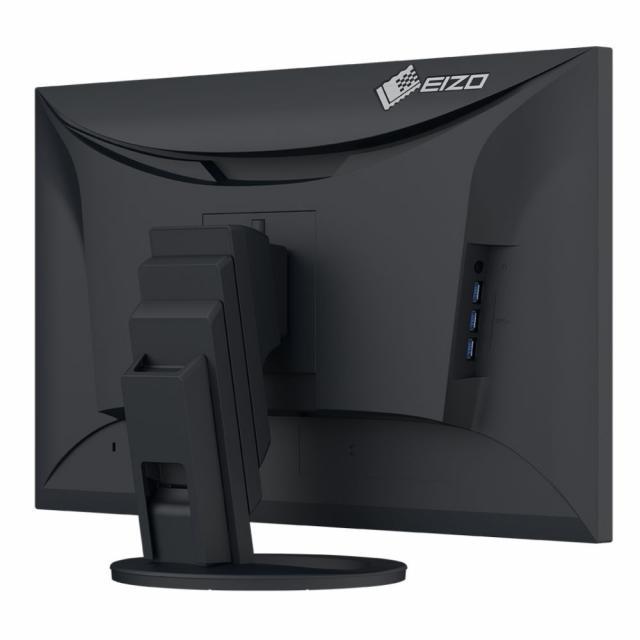


| Garanție | 60 luni |
| Marimea ecranului | 27 inch |
| Rezoluţie | 2560 x 1440 |
| Matriță | IPS |
| Rată de reîmprospătare | 60 Hz |
| Timp de răspuns GtG | 5 ms |
| Culoare | Negru |
| Porturi | Mufă jack de 3.5 mm, Display Port, HDMI, USB-A, USB-C |
| Reglare stand | Dа |
| Ecran tactil | Nu |
| VESA | Dа |
| Luminozitate (tipică) | 350 cd/㎡ |
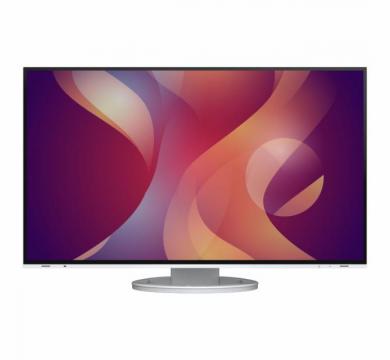
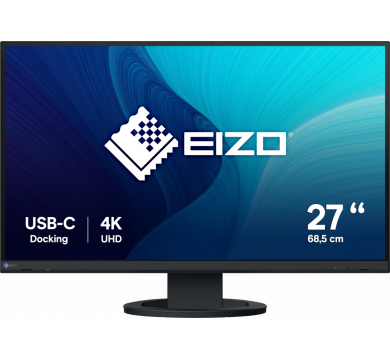
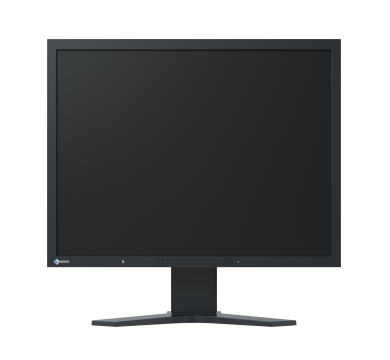
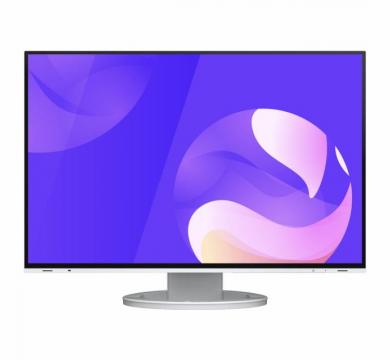
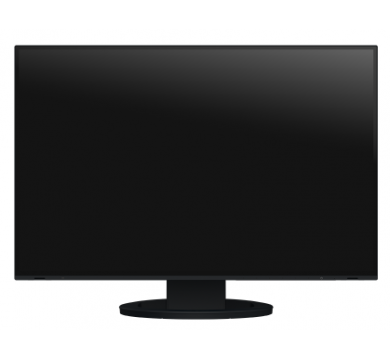
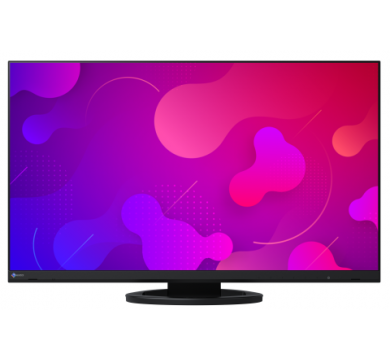
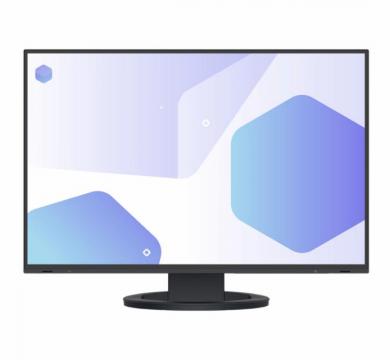
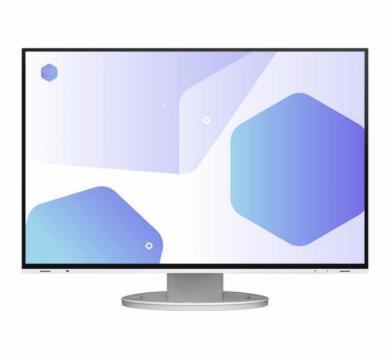
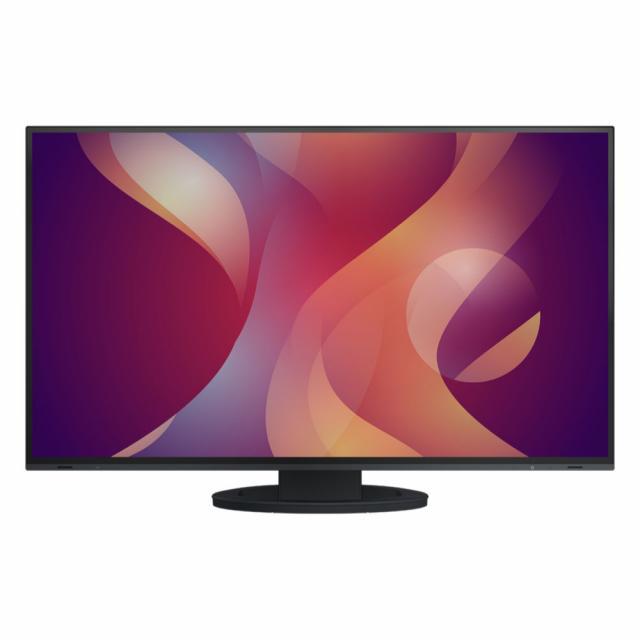
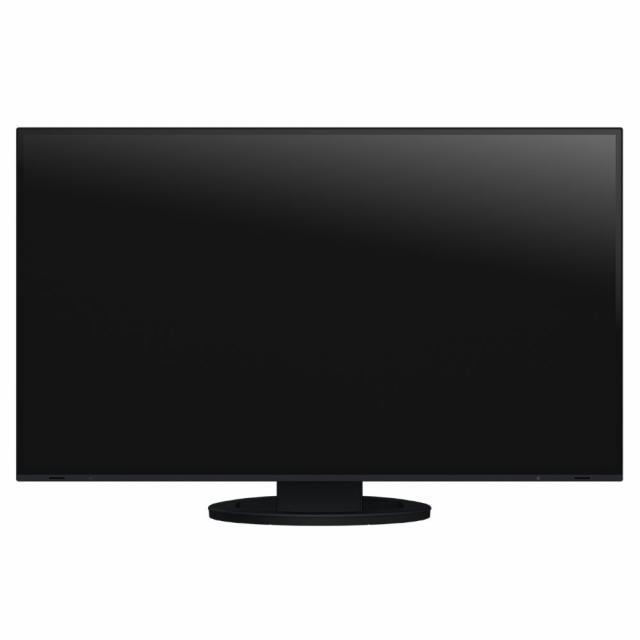
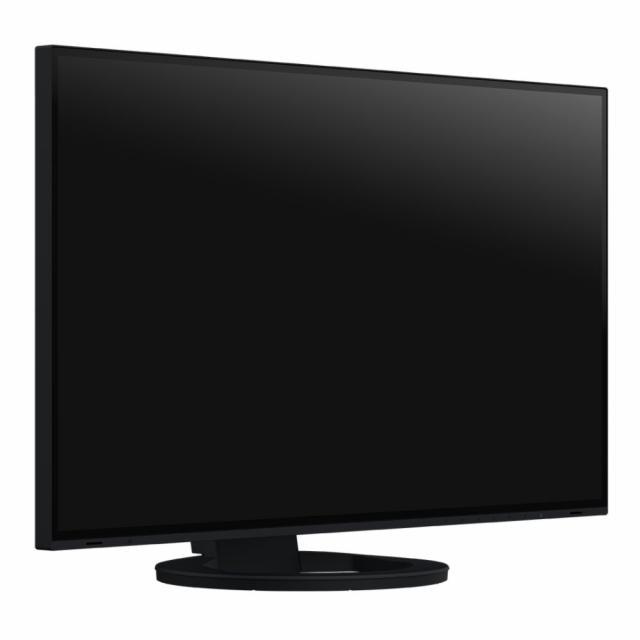
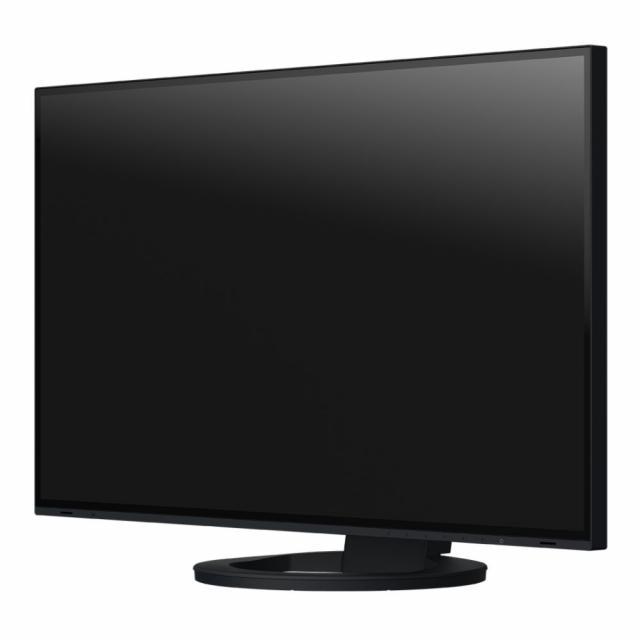
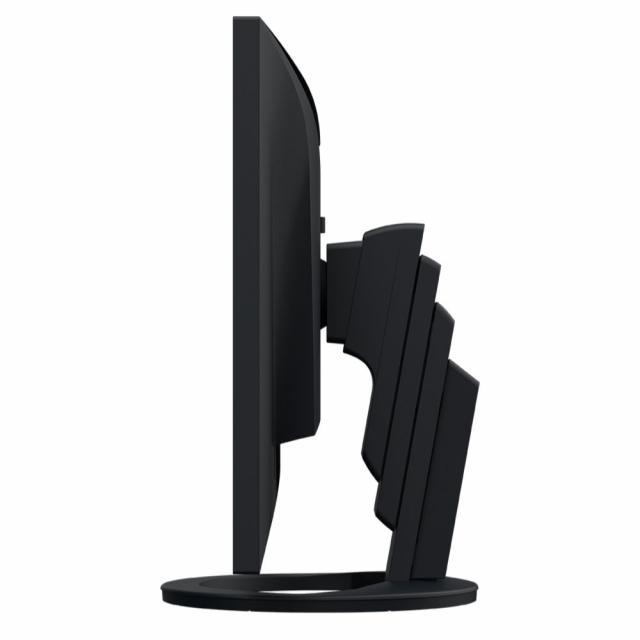
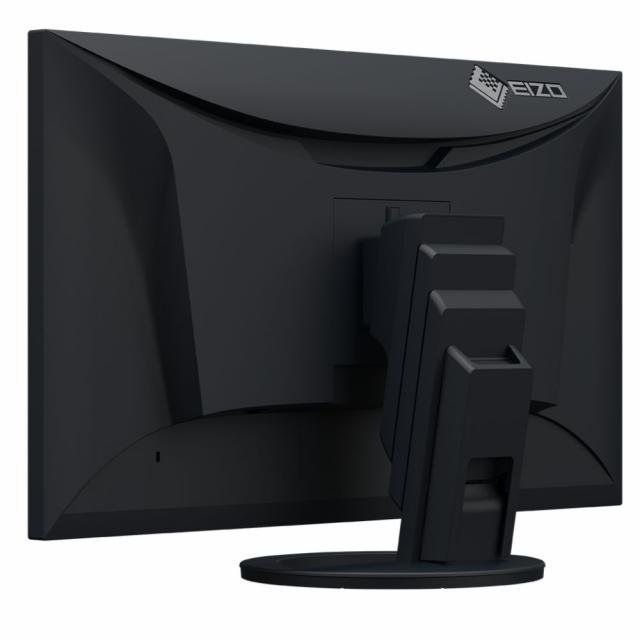
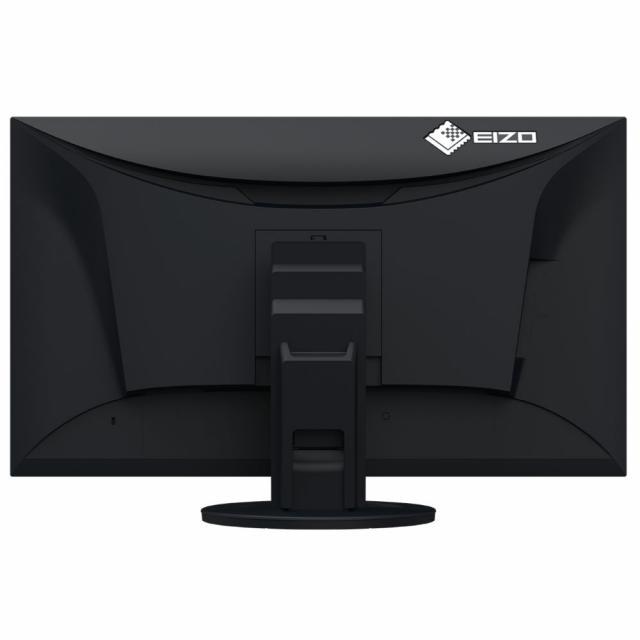
Monitor EIZO FlexScan EV2795, IPS, 27 inch, Wide, QHD, DisplayPort, HDMI, USB-C, Negru
Dimensiune ecran - 27"
Iluminare de fundal - LED
Tip panou - IPS
Tip ecran: Mat
Rezolutie nativa - 2560x1440 (60Hz)
Raport de aspect - 16:9
Dimensiune punct -0.233 mm
Luminozitate - 350 cd / m2
Raport de contrast - 1000:1
Timp de raspuns - 5 ms
Unghi de vizualizare - 178/178
Interfata:
1x Display Port
1x HDMI
1x USB-C
1x RJ45
Hub 3.1 USB
2 difuzoare integrate de 1W
3.5 mm jack pentru casti
Inclinare: - 5/35°
Rotire: - 344°
Inaltime ajustabila
Abilitatea de utilizare verticala si orizontala
VESA Standart 100x100
Culoare carcasa - negru
Panel |
|
| Type | IPS |
| Backlight | LED |
| Size | 27" / 68.5 cm |
| Native Resolution | 2560 x 1440 (16:9 aspect ratio) |
| Viewable Image Size (H x V) | 596.7 x 335.7 mm |
| Pixel Pitch | 0.233 x 0.233 mm |
| Pixel Density | 109 ppi |
| Display Colors | 16.77 million |
| Viewing Angles (H / V, typical) | 178° / 178° |
| Brightness (typical) | 350 cd/m2 |
| Contrast Ratio (typical) | 1000:1 |
| Response Time (typical) | 5 ms (gray-to-gray) |
| Color Gamut (typical) | sRGB |
Video Signals |
|
| Input Terminals | USB Type-C (DisplayPort Alt Mode, HDCP 1.3), DisplayPort (HDCP 1.3), HDMI (HDCP 1.4) |
| Output Terminals | USB Type-C (daisy chain) |
| Digital Scanning Frequency (H / V) | USB Type-C: 31 - 89 kHz / 59 - 61 Hz DisplayPort: 31 - 89 kHz / 59 - 61 Hz HDMI: 31 - 89 kHz / 49 - 51 Hz, 59 - 61 Hz |
USB |
|
| Upstream | USB 3.1 Gen 1: Type-B, USB 3.1 Gen 1: Type-C (DisplayPort Alt Mode, Power Delivery Source 70 W max.) |
| Downstream | USB 3.1 Gen 1: Type-A x 3, USB 3.1 Gen 1: Type-C (DisplayPort Alt Mode, Power Delivery Source 15 W max.) |
| USB LAN Adapter | RJ-45 (1000BASE-T) Windows 10 / 8.1 (64-bit, 32-bit), macOS Sierra (10.12) or later |
Audio |
|
| Speakers | 1.0 W + 1.0 W |
| Input Terminals | USB Type-C, DisplayPort, HDMI |
| Output Terminals | Headphones (Stereo mini jack) |
Power |
|
| Power Requirements | AC 100 - 240 V, 50 / 60 Hz |
| Typical Power Consumption | 16 W |
| Maximum Power Consumption | 164 W |
| Power Save Mode | 0.5 W or less |
Features & Functions |
|
| Preset Modes | User1, User2, sRGB, Paper, Movie, DICOM |
| Auto EcoView | Yes |
| OSD Languages | English, German, French, Italian, Japanese, Simplified Chinese, Spanish, Swedish, Traditional Chinese |
Physical Specifications |
|
| Dimensions (Landscape, W x H x D) | 611.4 x 368.6 - 545.2 x 230 mm |
| Dimensions (Without Stand, W x H x D) | 611.4 x 356.6 x 56 mm |
| Net Weight | 8.5 kg |
| Net Weight (Without Stand) | 5.7 kg |
| Height Adjustment Range | 176.6 mm |
| Tilt | 35° Up, 5° Down |
| Swivel | 344° |
| Pivot | 90° (both clockwise and counter clockwise) |
| Hole Spacing (VESA Standard) | 100 x 100 mm |
Environmental Requirements |
|
| Operating Temperature | 5 - 35°C |
| Operating Humidity (R.H., non condensing) | 20 - 80% |
Certifications & Standards (Please contact EIZO for the latest information.) |
TCO Certified Generation 8, EPEAT 2018 (US), TUV/Ergonomics, TUV/Low blue light content, TUV/Flicker Free, TUV/GS, RCM, CE, CB, cTUVus, FCC-B, CAN ICES-3 (B), TUV/S, PSE, VCCI-B, EPA Energy Star, RoHS, WEEE, China RoHS, CCC, China Energy Label Grade1, EAC |
Dedicated Software |
|
| Monitor Control Utility Screen InStyle | Supported |
Supplied Accessories (May vary by country. Please contact EIZO for details.) |
|
| Signal Cables | USB Type-C (2 m) |
| Others | AC power cord (2 m), VESA mounting screw x 4, setup guide |
Warranty |
5 Years Zero bright sub-pixels for six months from date of purchase. |
Dimension Drawing |