Livrare gratuită
pentru comenzi peste 399 Lei





| Garanție | 36 luni |
| Marimea ecranului | 13.3 inch |
| Rezoluţie | 1920 x 1080 |
| Matriță | IPS |
| Rată de reîmprospătare | 60 Hz |
| Culoare | Negru |
| Porturi | eDP |
| Reglare stand | Nu |
| Ecran tactil | Nu |
| VESA | Nu |
| Luminozitate (tipică) | 300 cd/㎡ |
| HDR | Nu |
| Curba ecranului | Flat |



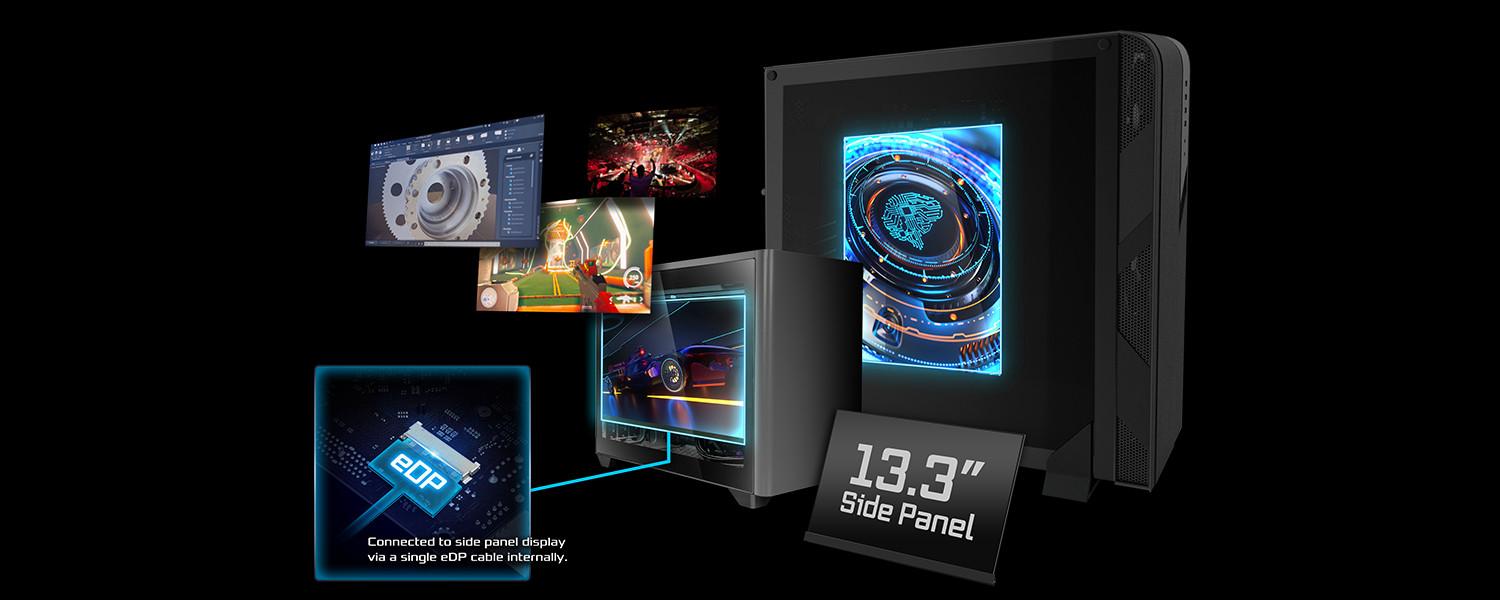


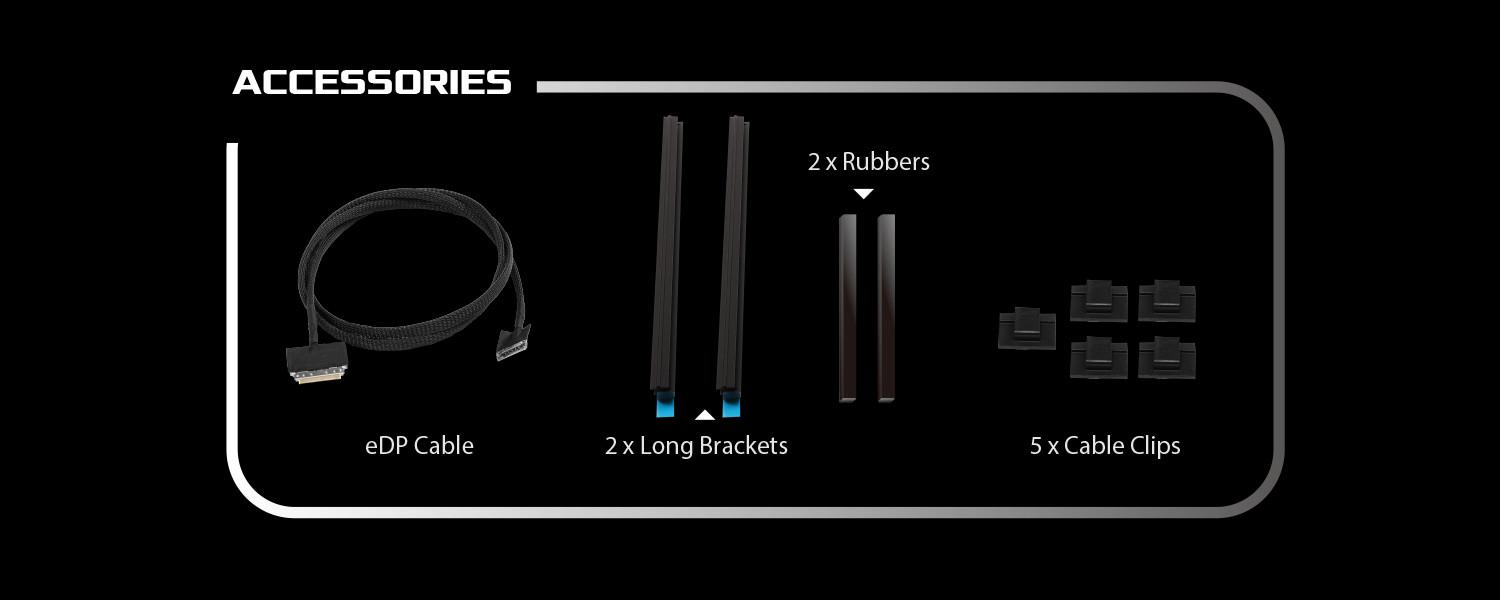
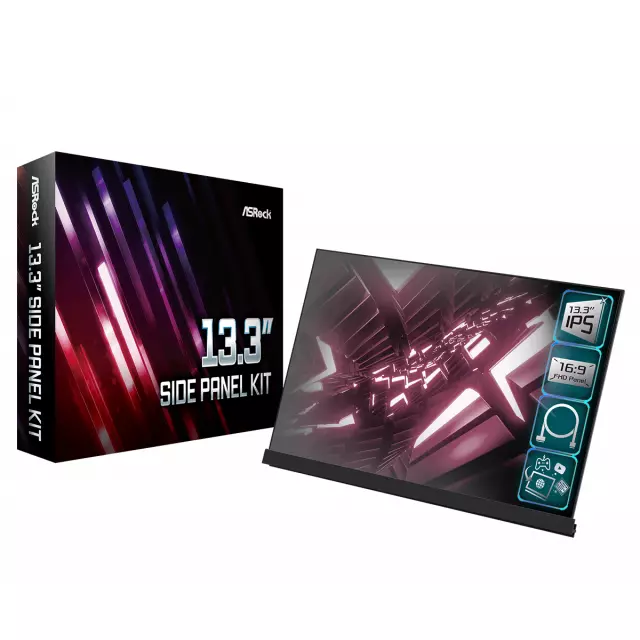
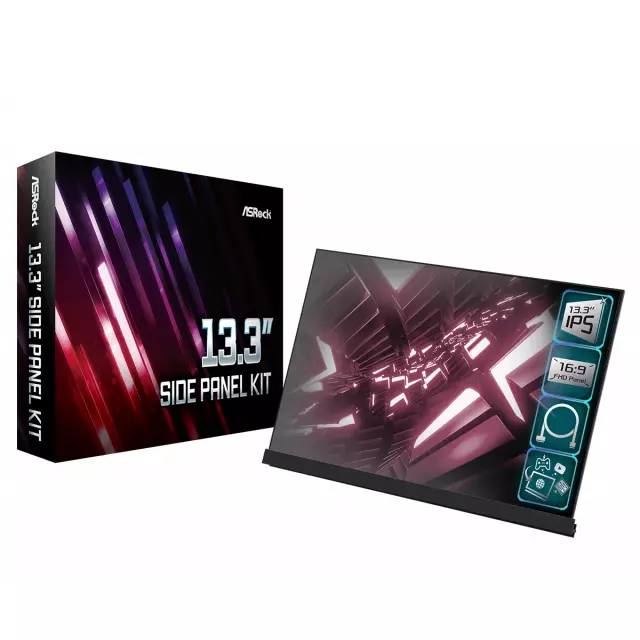
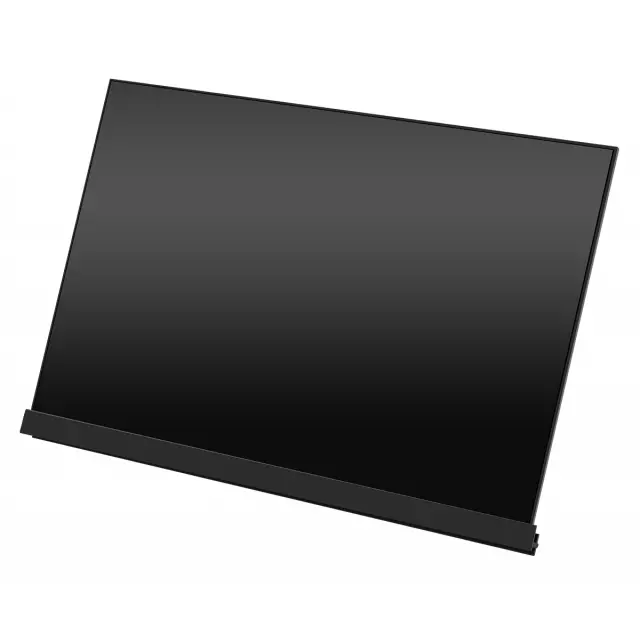
Easy InstallationWith ASRock 13.3" Side Panel Kit, you can easily build a LCD display inside your PC case, which provides you with a sub screen for monitoring PC status or allows you to send messages, watch videos or do streaming at the same time. This IPS panel equipped with eDP interface reduces power consumption and meanwhile delivers great viewing experience.
|
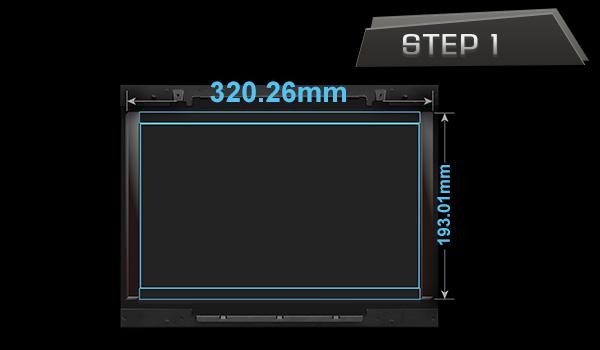
Make sure you have a transparent tempered glass side panel for your PC case. The transparency of your side panel may affect the display quality of your eDP panel.
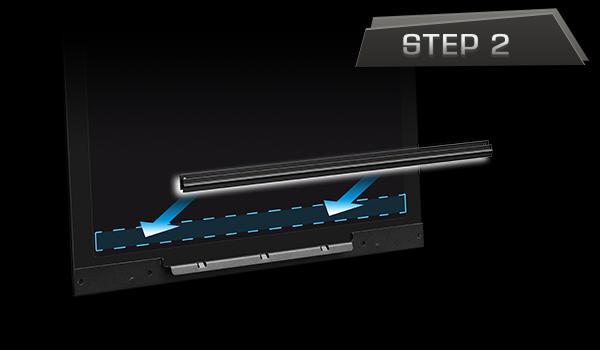
Paste the bracket to the desired location on the internal side of the PC side panel. Press and hold the bracket for a few seconds to ensure adhesion.
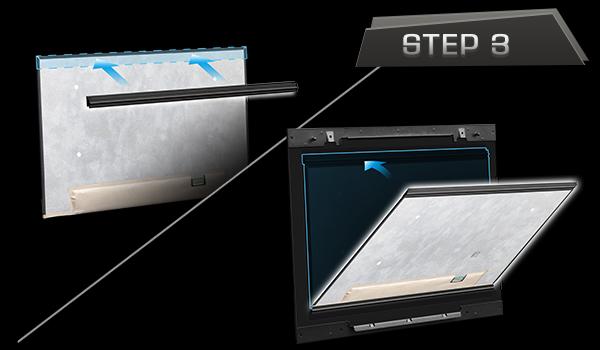
Install the other bracket on the top edge of the eDP panel. Hold the sides of the eDP panel assembly. Obliquely insert it into the groove of the bottom bracket. Then carefully push it toward the glass panel until the top bracket is firmly adhered.
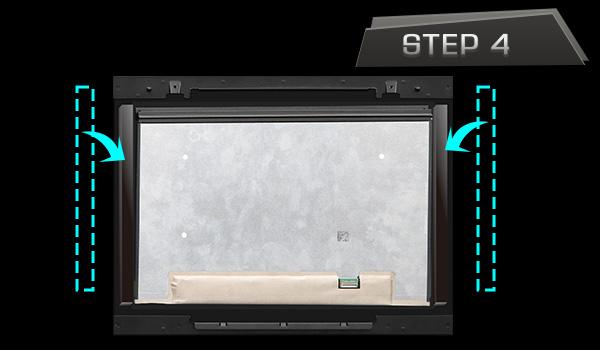
Peel off the paper liners from the rubber strips. Do not touch the adhesive surface. Paste the rubber strips closely along the edges of the eDP panel, so that the eDP panel is securely framed and won't shift or slide.
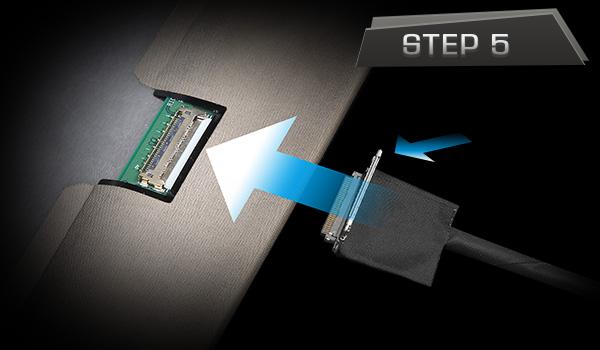
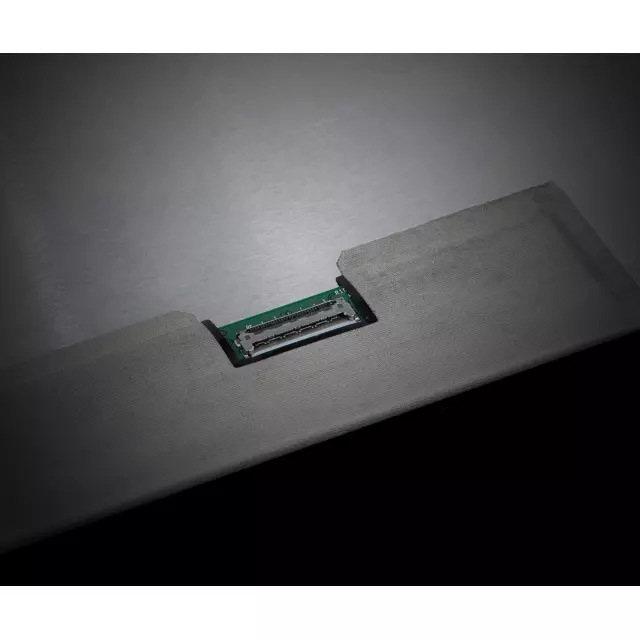
Connect the smaller end of the eDP cable to the eDP panel.
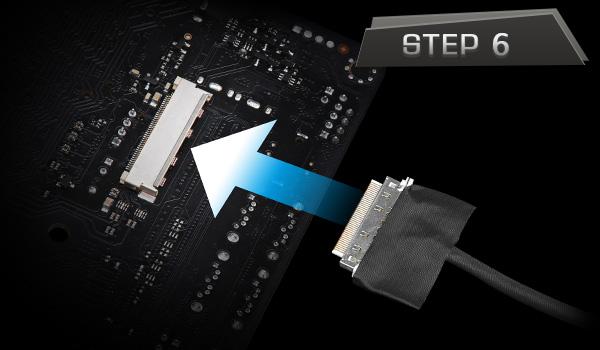
Connect the other end of the cable to the 40-pin eDP connector on the motherboard.
Panel Size (inch) |
13.3 |
Aspect Ratio |
16:9 |
Display Viewing Area (H x V) |
293.76 x 165.24 |
Display Surface |
Anti-Glare |
Backlight Type |
LED |
Panel Type |
IPS |
Pixel Pitch |
0.153mm |
Resolution |
1920 x 1080 |
Brightness (Typ.) |
300 cd/m2 |
Contrast Ratio (Typ.) |
800:1 |
Display Colors |
16.7M (8 bit) |
Refresh Rate (Max) |
60 Hz |
Dimension (W x H x D) |
300.3 x 177.6 x 2.3 mm |